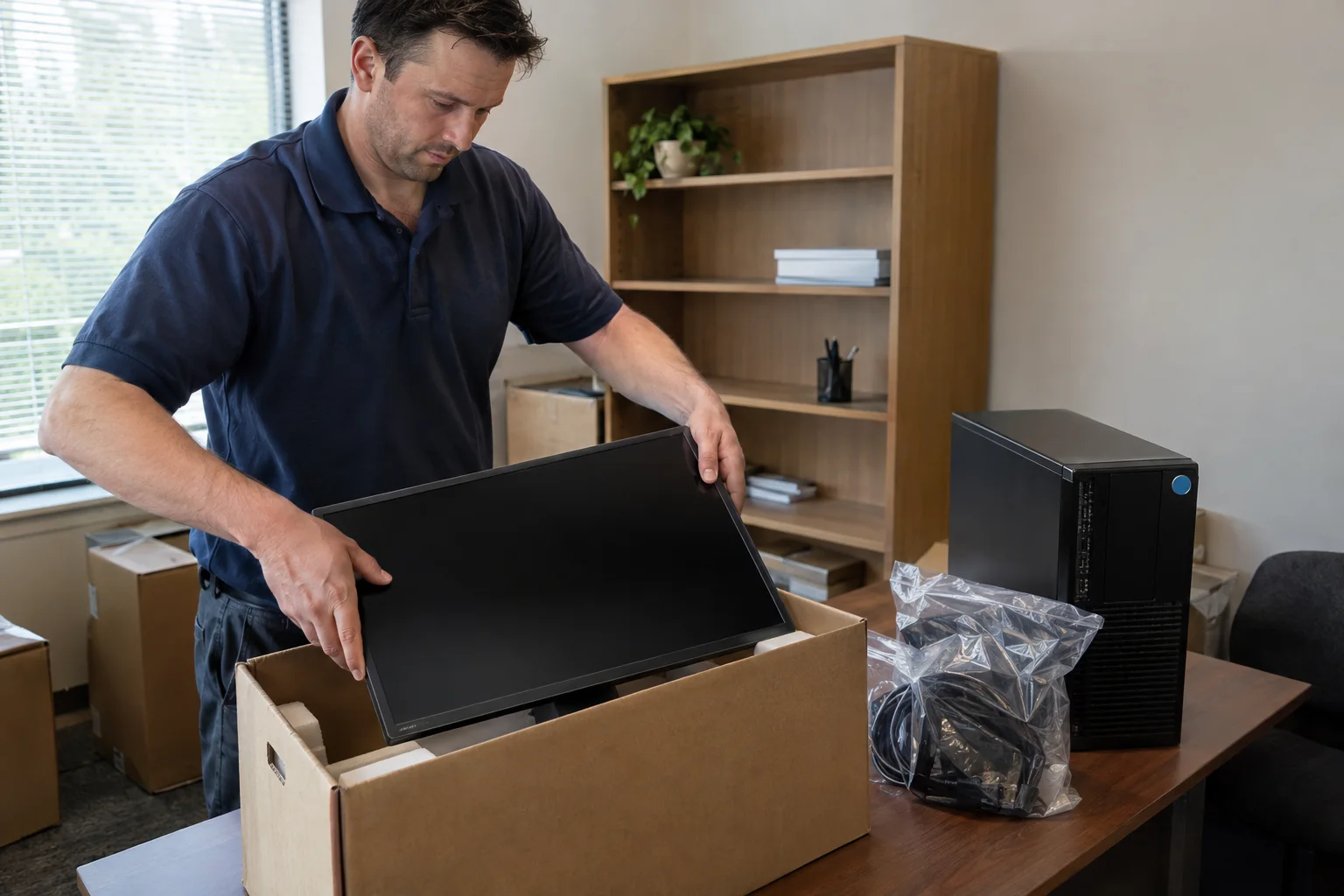
Office equipment movers for computers and copiers
Computers, monitors, printers and copy machines packed, moved and placed by Amenity Moving & Storage crews, while your IT provider and copier dealer handle the technical steps.
- Computers & copiers
- Specialist packers
- Color-coded placement
- ILCC 73744 MC-C
Can movers move office computers and copy machines?
Yes. Amenity Moving & Storage, the licensed mover behind Yorkville Movers, moves office computers, monitors, printers and copy machines as part of its office service, using specialist packers, specially sized cartons and color-coded placement. Your IT provider disconnects and reconnects the equipment, and your copier lease or service agreement should be checked with the dealer before moving day.
- Equipment handled
- Computers, monitors, printers and copy machines
- Packing
- Specialist packers, specially sized cartons, custom crating for fragile pieces
- Labeling
- Containers marked by contents and destination room; color-coded placement
- Not included
- IT disconnect and reconnect, network setup, electrical work
- Estimate
- Free, in person, from a visual evaluation
Free moving estimate
Tell us where and when. Amenity’s office replies directly — no call centers.
Goes straight to Amenity Moving & Storage’s office. Never sold or shared with other movers.
On this page
Who handles each piece of office equipment on moving day
The moving crew handles the physical move; your IT provider handles anything that involves a cable, a login or a network; and your copier dealer decides how the copier is prepared. Writing that division down before the estimate prevents the most common equipment delay, which is a crew standing next to a machine nobody has unplugged.
| Task | Who handles it | When |
|---|---|---|
| Back up workstations and servers | Your IT provider | Before moving day |
| Power down and disconnect computers, phones and network gear | Your IT provider | Day before or morning of the move |
| Label cables and bag them with each device | Your IT provider or staff | Before disconnecting |
| Prepare the copier for transport | Your copier dealer, if your agreement calls for it | On the dealer’s schedule |
| Pack monitors, printers and peripherals | Amenity’s packers or your staff | Before loading |
| Pad, load, move and place equipment | Amenity’s crew | Moving day |
| Reconnect, test and restore the network | Your IT provider | After placement |
| Hardwired cubicle power and new outlets | A licensed electrician | Before teardown and before move-in |
This page goes deeper on equipment than the main office moving page. Desks and cubicles have their own process on office furniture and cubicle moving.
Preparing computers and monitors before the crew arrives
A computer is ready for the crew when its data is backed up, it is fully shut down and unplugged, and every cable is labeled and bagged with it. The rest of this list makes reconnection faster at the other end.
- Confirm with your IT provider that every workstation and shared drive is backed up, and that the backup is not traveling on the same truck.
- Shut machines down fully rather than leaving them asleep.
- Photograph the back of each tower or docking station so ports can be matched later.
- Label each cable at both ends with the station number, then bag cords and power bricks with their device.
- Tag each tower, monitor and docking station with the destination color and station number.
- Keep original monitor and printer boxes if you still have them; they fit better than a general carton.
- Send laptops, tablets and portable drives home or along with their users rather than on the truck.
- Remove paper from printer trays and secure loose parts such as output trays.
If staff are packing their own desks, give them a clear line: peripherals such as keyboards, mice and headsets go into a labeled box, while towers and monitors are left on the desk for the crew or for Amenity’s packers. Mixing the two leads to monitors packed under binders.

Copiers and large printers start with the lease
Before a copier moves, read the lease or service agreement and call the dealer, because the company that maintains the machine may want its own technician to prepare it for transport. Amenity moves copy machines as part of its office service, but the dealer’s answer sets the order of events.
Questions to ask your copier dealer
- Does our agreement require your technician to prepare the machine before anyone moves it?
- Should toner cartridges or other consumables come out first?
- Will moving the copier ourselves affect service coverage under the agreement?
- Who reconnects it to the network and tests scanning and faxing at the new address?
- Do you need a meter reading or notice of the new address for the lease?
Physical details to bring to the estimate
Copiers are heavy, tall and often wider than they look once a paper deck or finisher is attached. Measure the doorways and hallway turns at the new space, ask the building for the freight elevator’s door size and car depth, and tell the estimator the make and model. That lets Amenity plan the crew size and equipment rather than discovering a tight corner on moving day.
Servers, network gear and phones
Servers, switches, firewalls and phone systems should be powered down and disconnected by your IT provider, who also decides whether they ride on the moving truck or travel separately with IT staff. Amenity can move the hardware, but it does not wire, configure or test it.
- Order connectivity early. Ask your internet provider for its installation lead time at the new address as soon as the lease is signed.
- Have the network room ready first. Racks, power and network wiring at the new space should be finished by your IT provider or contractor before equipment arrives, so the crew can place it in the right room.
- Plan phones and alarms. Desk phones, door access and security systems usually need their own vendors at both addresses.
- Decide what is critical. Anything the business can’t run without for a morning, such as a server or a point-of-sale system, should be on the IT plan with a named person responsible.
A good rule is that equipment the IT provider would be nervous to see on a dolly should be discussed at the estimate, not on the loading dock.
Planning a move in Yorkville?
Book a free, no-obligation estimate with Amenity’s office. One household per truck, licensed since 1986.
How Amenity packs and loads office electronics
Amenity’s packing specialists, a team separate from the moving crew, use specially sized cartons, padding and blankets, and custom crating for fragile and valuable possessions, and they label every container by contents and destination room. For electronics, that means monitors, printers and peripherals arrive in the right room and in the right box.
On the truck, each local move carries one customer’s goods only, so office equipment is never mixed with another household’s or business’s load. Color-coding carries through to placement: a tower tagged for a green zone station lands at that station, ready for your IT provider to reconnect.
Amenity offers optional liability valuation coverage on items it packs. Ask at the estimate how valuation applies to high-value equipment and get the terms in writing, which the ICC’s tips for hiring a mover also recommend. For delicate pieces such as a glass display or a lab instrument, see fragile item crating, and for the full packing menu see packing services.
Cold weather and electronics on a northern Illinois move
Winter adds two concerns for electronics: wet floors on the way in and condensation when cold equipment meets a warm room. Amenity lays floor runners on snowy and slushy days, and a common precaution is to let equipment that rode in a cold truck reach room temperature before powering it on.
Ask your IT provider how long they want machines to sit before the first boot, and build that into the reconnect schedule. If a cold snap or storm hits the week of the move, Amenity can change dates when weather turns, subject to availability. The guide to moving in a northern Illinois winter covers the rest of the cold-weather planning.
Equipment moves for businesses in and near Yorkville
For a business moving into an existing commercial space in Yorkville, the equipment timeline should follow the city’s permit timeline. The city’s building permit applications page says a new business in an existing commercial space needs a commercial occupancy permit, unless a commercial permit to build or alter the space is already being filed.
Crews leave from Amenity’s warehouse in Plainfield and move office equipment for businesses across Kendall County and nearby towns including Oswego, Montgomery and Plainfield itself. Color-coding, box rental and the planning calendar are covered on business relocation planning, and the week-by-week list is in the office move checklist.
More office & commercial moving services
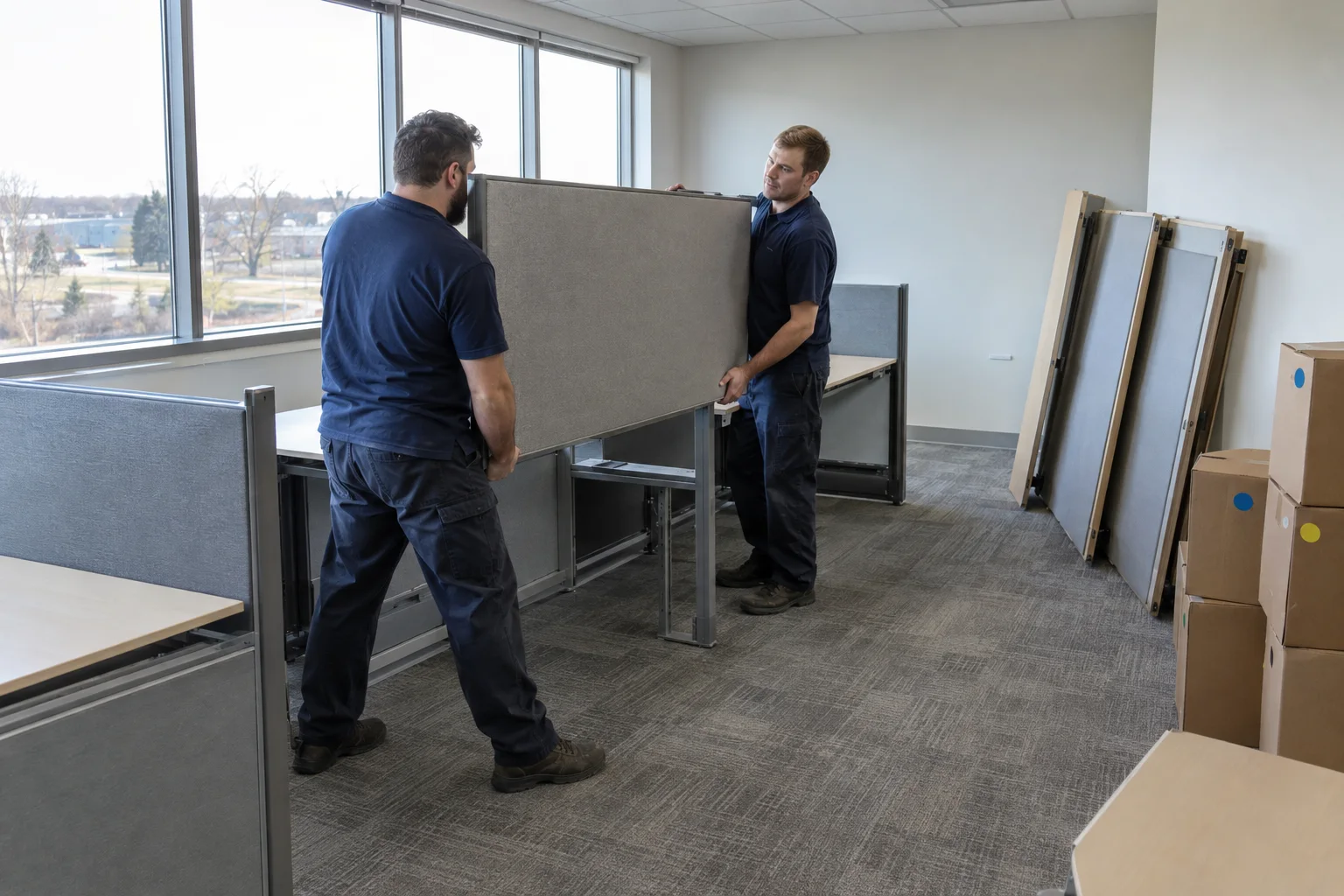 Office Furniture & Cubicle MovingDesks and cubicles taken apart, moved and rebuiltLearn more →
 Business Relocation PlanningColor-coding, box rental and a plan built before moving dayLearn more →
Back to Office & Commercial Moving in Yorkville · all moving services
Available across the Yorkville area
Frequently asked questions
Who unplugs the computers before an office move?
Your IT provider or a staff member you assign. Amenity’s crews move computers, monitors and printers, but disconnecting, reconnecting and testing equipment is outside the moving service. Ask IT to shut down, label cables and bag them with each device the day before or the morning of the move, and to be on hand at the new space once equipment is placed.
How do you move a copy machine safely?
Start with the lease or service agreement and a call to the dealer to ask whether its technician needs to prepare the machine for transport. Then measure doorways and the freight elevator at the new space and give the make and model at the estimate. Amenity handles copy machines as part of its office work and plans the crew and equipment around those details.
Should we keep the original boxes for monitors and printers?
If you still have them, yes. Original boxes and their foam inserts are shaped for the device, so they hold it better than a general carton. If they’re gone, Amenity’s packers use specially sized cartons and padding, and they label each box by contents and destination room so it reaches the right desk.
Can movers move a server?
Amenity can move server hardware as office equipment, but your IT provider should power it down, disconnect it and decide whether it rides on the truck or travels with IT staff. Make sure the network room at the new space is finished before moving day so the server goes straight to its rack for your provider to reconnect and test.
Are computers covered if something is damaged during the move?
Ask at the estimate which valuation terms apply and get them in writing. Amenity offers optional liability valuation coverage on items it packs, and the ICC recommends discussing loss and damage protection with any mover before hiring. Data is a separate matter: have your IT provider back up every machine before it is unplugged.
How long does it take movers to move an office's computers?
For an office in Yorkville, it depends on the number of stations, whether equipment is packed and labeled before the crew arrives, building access at both addresses and how ready the new space is. Since moves within Kendall and neighboring listed counties may be billed by workers and hours, preparation is the main way to cut time. Your estimator can give a written estimate after the walk-through.
Do you move printers and other office peripherals?
Yes. Printers, monitors, docking stations and peripherals move along with the computers they serve. Staff can box keyboards, mice and headsets in labeled cartons from the box-rental program, while larger devices are padded or packed by Amenity’s specialists. Remove paper from trays and secure loose parts before moving day.
Sources
- ICC Smart Tips for Hiring a Household Goods Mover — Illinois Commerce Commission
- Household Moves in Illinois: A Consumer's Guide (rev. 3/2026) — Illinois Commerce Commission
- Building Permit Applications — United City of Yorkville
- 625 ILCS 5/18c-1104 (Definitions) — Illinois General Assembly
Who handles your move
Yorkville Movers is operated by Amenity Moving & Storage Inc., 10028 Mandel St, Plainfield, IL 60585 — a family-run Illinois mover since 1986 whose crews dispatch to Yorkville and Kendall County from its Plainfield warehouse. Illinois household goods license ILCC 73744 MC-C. Interstate moves are transported under the authority of Wheaton Van Lines, Inc. (USDOT 70719, MC-87113), for which Amenity is an authorized agent. See licenses & disclosures.
Last reviewed November 11, 2026 by the Yorkville Movers team against Amenity Moving & Storage’s published service details and the public sources listed above.
Planning a move in Yorkville?
Book a free, no-obligation estimate with Amenity’s office. One household per truck, licensed since 1986.